
HDMI, USB & Network Cables
Cables either meet a bandwidth standard or they do not — there is no middle ground worth buying. HDMI 2.0 = 18Gbps (4K60), HDMI 2.1 = 48Gbps (4K120/8K), and a "8K" cable without a stated 48Gbps figure is a 4K60 cable with better marketing. For WiFi adapters, the two things that decide real throughput are the chipset and whether the adapter is USB 3.0 — a USB 2.0 AC1200 stick tops out around 300Mbps in practice.
What decides the purchase
- Bandwidth
- The spec that predicts whether your display works at full refresh. 18Gbps HDMI 2.0, 40Gbps USB4/Thunderbolt, 48Gbps HDMI 2.1, Cat6 10Gbps to 55m
- Certification
- Certified cables are tested; the rest are labelled. Look for "Ultra High Speed" for HDMI 2.1, Cat6/Cat6a print on the jacket
- Chipset
- For WiFi adapters, the chip decides driver support and stability. Realtek RTL8812BU/8814AU and MediaTek MT7921 are the common good ones
- USB generation
- USB 2.0 throttles any AC1200+ adapter. USB 3.0 port for 5GHz throughput above 300Mbps
- Shielding
- Long HDMI runs pick up interference. Optical HDMI past 5m, active cables for 4K at length
Our rule of thumb
Buy the bandwidth you need today plus one step for the next monitor. For WiFi, a USB 3.0 adapter with a known chipset beats a bigger antenna every time.
Cables either meet a bandwidth standard or they do not — there is no middle ground worth buying. HDMI 2.0 = 18Gbps (4K60), HDMI 2.1 = 48Gbps (4K120/8K), and a “8K” cable without a stated 48Gbps figure is a 4K60 cable with better marketing. For WiFi adapters, the two things that decide real throughput are the chipset and whether the adapter is USB
Showing all 3 results
-
HDMI, USB & Network CablesView buying decision
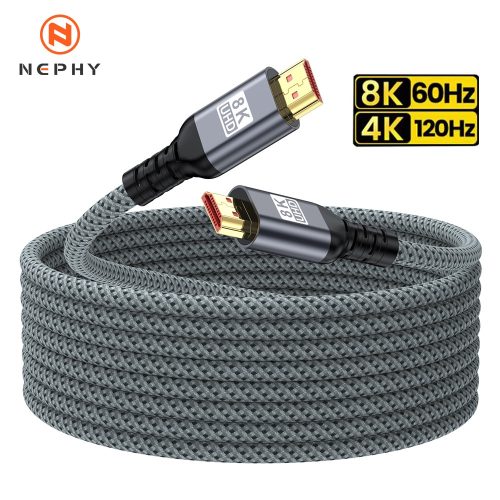
Cable 8K 2.1 HDMI 8K 60HZ 4K 120HZ 2K 240Hz HDMI-Compatible 2.1 Cable For RTX 3080 PS5 XBox HDTV PC Monitor
Catalog price · Nov 9, 2026 Original price was: $18.82.$5.33Current price is: $5.33. -
HDMI, USB & Network CablesView buying decision
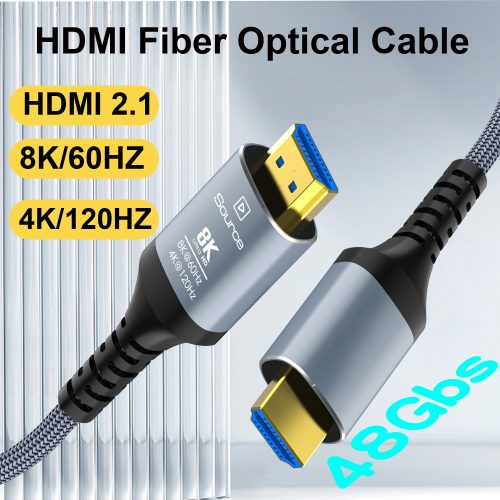
HDMI Cable 8K 2.1 8K Fiber Optic HDMI Cable 8K60Hz 4K120 HDMI 2.1 Cable Dynamic HDR eARC HDCP 2.3 Compatible
Catalog price · Nov 9, 2026 Original price was: $9.82.$4.19Current price is: $4.19. -
HDMI, USB & Network CablesView buying decision
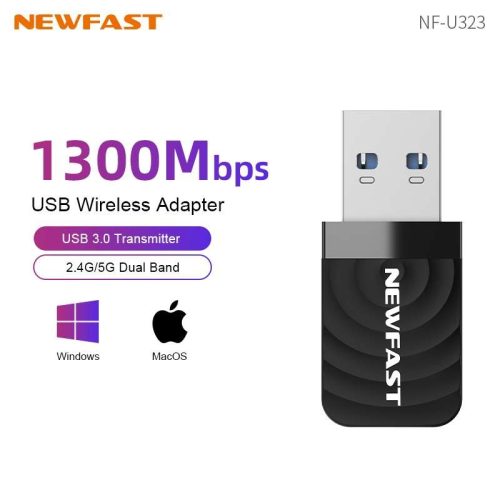
Newfast 1300Mbps USB WiFi Adapter Dual-band WIFI Reciver USB3.0 Network Card For Desktop Laptop Win7 8 10 11
Catalog price · Nov 9, 2026 Original price was: $15.55.$7.15Current price is: $7.15.
Selection rule behind these listings: at least 200 recorded orders, buyer rating 4.5+, inside the category price band — ranked by order volume × rating ÷ price. See all 16 categories · method.